Free Shipping Progress Bar — Boost Sales Easily
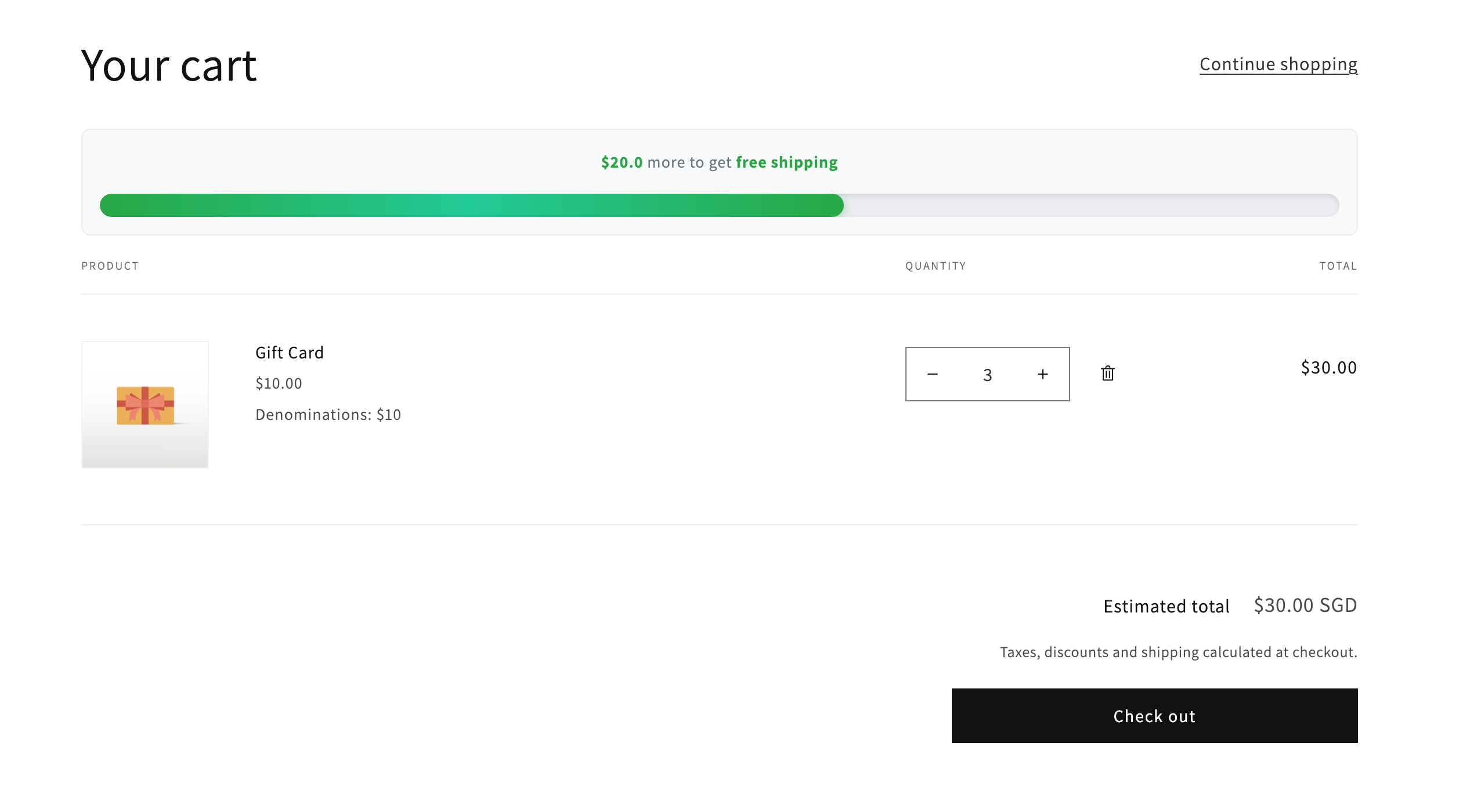
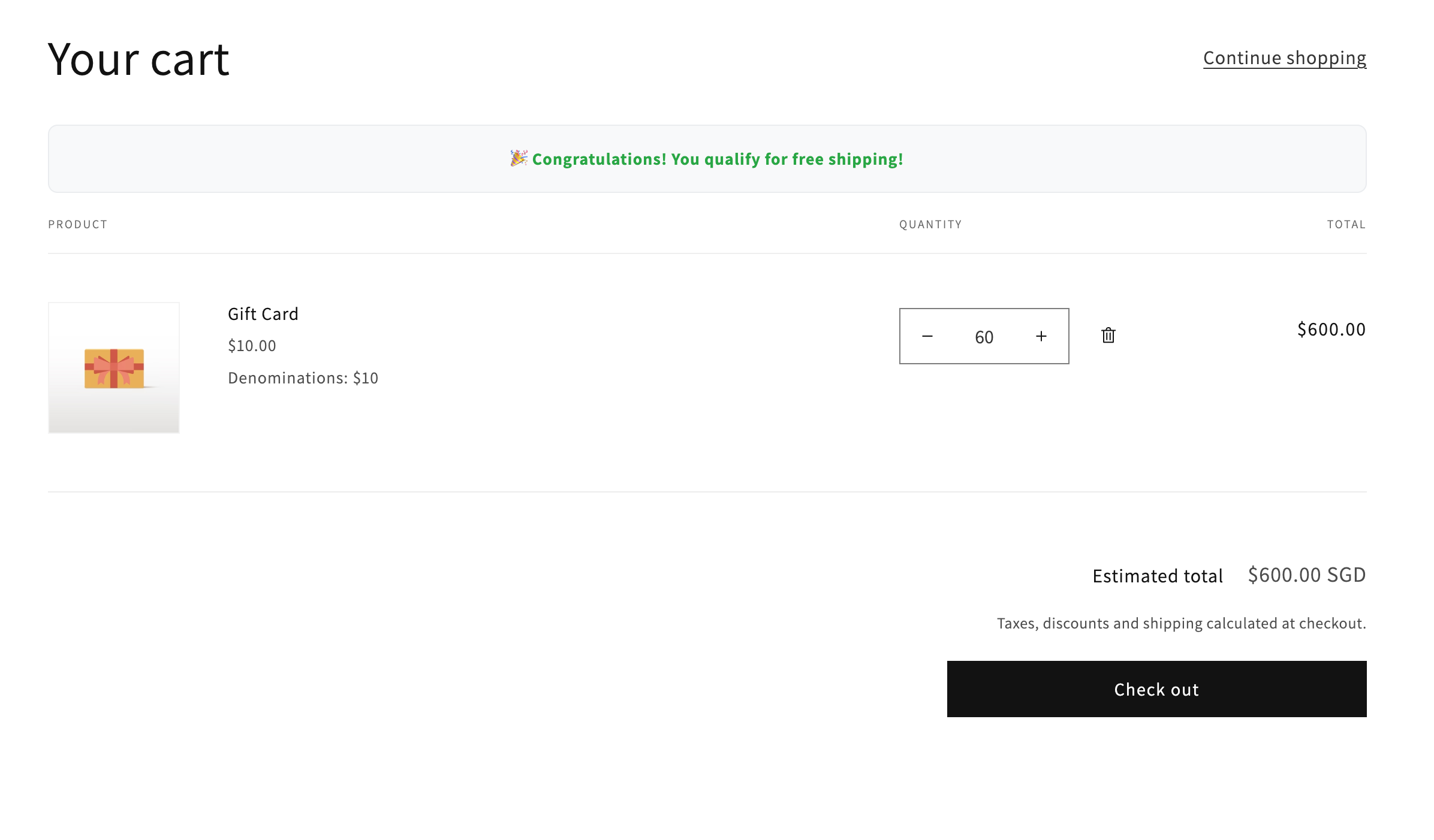
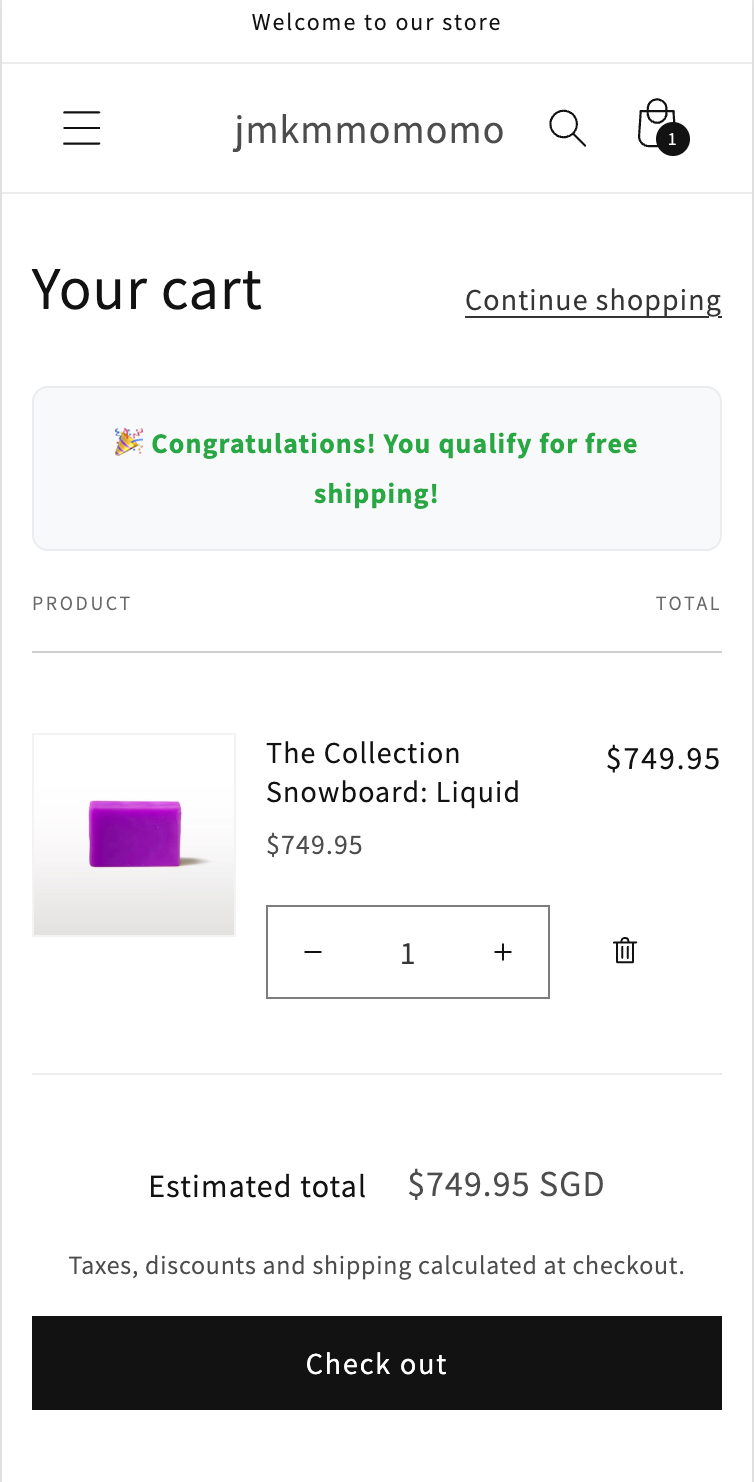
The Free Shipping Progress Bar is a dynamic feature displayed in your shopping cart that visually tracks the customer's purchase total and shows progress towards a free shipping threshold (e.g., "You're $10 away from free shipping!"). Once the threshold is reached, the progress bar displays a success message, such as "Congratulations! You've unlocked free shipping!"
Why Your Store Needs It
- Increase AOV: Customers often add one more product to reach the free shipping goal
- Boost Conversion Rates: Clear incentives eliminate checkout hesitation
- Enhance Customer Experience: Progress bars make the checkout process more engaging and rewarding
- Build Brand Trust: Transparent thresholds and consistent messaging build credibility
Preview
Desktop View
Mobile View
How to Use
Edit your theme code and search for js-contents in the main-cart-items.liquid file to locate the position

Insert the following code and modify the free_shipping_threshold value to set your store's free shipping amount
          <!-- Free Shipping Progress Bar Component -->
          {%- if cart != empty -%}
            {%- liquid
              assign free_shipping_threshold = 50.00
              assign current_total = cart.total_price | divided_by: 100.0
              assign remaining_amount = free_shipping_threshold | minus: current_total
            -%}

            <div class="free-shipping-notice" style="text-align: center; margin: 20px 0; padding: 15px; background-color: #f8f9fa; border-radius: 8px; border: 1px solid #e9ecef;">
              {%- if remaining_amount > 0 -%}
                <p style="margin: 0; color: #6c757d; font-size: 14px;">
                  <strong style="color: #28a745;">${{ remaining_amount }}</strong> more to get <strong style="color: #28a745;">free shipping</strong>
                </p>

                <div style="width: 100%; background-color: #e9ecef; border-radius: 15px; height: 20px; margin-top: 15px; overflow: hidden; position: relative; box-shadow: inset 0 2px 4px rgba(0,0,0,0.1);">
                  {%- assign progress_percentage = current_total | divided_by: free_shipping_threshold | times: 100 -%}
                  {%- if progress_percentage > 100 -%}
                    {%- assign progress_percentage = 100 -%}
                  {%- endif -%}

                  <div style="
                    width: {{ progress_percentage }}%;
                    height: 100%;
                    background: linear-gradient(90deg, #28a745 0%, #20c997 50%, #28a745 100%);
                    border-radius: 15px;
                    transition: width 1s ease-in-out;
                    position: relative;
                    box-shadow: 0 2px 8px rgba(40, 167, 69, 0.4);
                  ">
                    <div style="
                      position: absolute;
                      top: 0;
                      left: -100%;
                      width: 100%;
                      height: 100%;
                      background: linear-gradient(90deg, transparent, rgba(255,255,255,0.4), transparent);
                      animation: slide 2s infinite;
                    "></div>
                  </div>

                  {%- if progress_percentage > 0 -%}
                    <div style="
                      position: absolute;
                      left: {{ progress_percentage }}%;
                      top: 50%;
                      transform: translateY(-50%) translateX(-50%);
                      width: 24px;
                      height: 24px;
                      background: #fff;
                      border: 4px solid #28a745;
                      border-radius: 50%;
                      box-shadow: 0 4px 12px rgba(40, 167, 69, 0.5);
                      transition: left 1s ease-in-out;
                      z-index: 10;
                    "></div>
                  {%- endif -%}
                </div>

                <style>
                  @keyframes slide {
                    0% { left: -100%; }
                    100% { left: 100%; }
                  }
                </style>
              {%- else -%}
                <p style="margin: 0; color: #28a745; font-size: 14px;">
                  🎉 <strong>Congratulations! You qualify for free shipping!</strong>
                </p>
              {%- endif -%}
            </div>
          {%- endif -%}
Additional Style Customization
- If you want to personalize this feature, such as adjusting background colors, please modify the color values
- Or contact Xrtotech developers for custom theme personalization